If a potential client emailed you today and you knew you had the perfect blog post to share with them… how long would it take you to find it?
Thirty seconds? Five minutes?
Long enough to start wondering whether it would’ve been quicker to just write the reply from scratch?
Because writing blog posts is only half the job. Being able to use them easily as an asset in your private practice is the other half.
And without a simple system, that asset slowly turns into a pile...
More...
Today we’re talking about something that doesn’t sound very exciting on the surface, but makes blogging so much easier in the long run. We’re talking about how to organise your blog posts so you can actually use them.
And this episode comes directly from a moment I remember very clearly.
I remember getting an email from a potential client.
They asked a question I knew I had written about before. I even remember thinking, ‘Oh, I’ve got the perfect blog post for this.’
And then I couldn’t remember what it was called.
I couldn’t remember the exact title. I had a vague idea of when I had written it, so I started clicking through my website, scrolling, opening posts, closing them, checking dates.
It probably only took a few minutes, but it felt longer.
And in that moment, I realised something slightly uncomfortable.
I hadn’t built a library. I had built a pile.
There were dozens of helpful posts on my website, but they were just sitting there. I couldn’t clearly see what I had. I didn’t know how they linked together. I couldn’t easily spot gaps. I wasn’t sure what I needed more of.
It was a bit like having a big pile of books on the floor. You know there is something valuable in there. You know there is a book that would be perfect. But it is somewhere near the bottom, and unless you are prepared to pull the whole stack apart, you might never see it again.
That is what my blog had become. Not a curated bookshelf, just a stack.
And that was the moment it clicked.
I hadn’t just been writing blog posts. I had been building something much bigger. And if it was going to work like a proper resource, both for me and for my clients, it needed some simple structure.
Libraries work much better when there is a catalogue.
The moment your blog posts become hard to manage
When you first start blogging, a system rarely feels necessary. With only a handful of posts, it is easy to keep track of what exists. Even when you reach ten posts, things can still feel manageable.
However, somewhere beyond ten posts, something shifts. Your brain can no longer hold everything in one place.
You begin to recognise topics that feel familiar and wonder whether you have already written about them.
You may remember creating a post that would be perfect to reshare, yet struggle to find it quickly.
Planning new content becomes harder because you cannot see the full picture of what already exists.
This is the point where your blog stops feeling like a small project and starts becoming a genuine asset. Like any growing asset, it benefits enormously from a simple system that keeps everything organised and easy to access.
Why it’s important to organise your blog posts
Organising your blog is not about being tidy for the sake of it. It is about making the work you have already done easier to use in the future.
Imagine a potential client emails you with a question. They might be curious about how you work, unsure whether therapy could help, or nervous about taking the first step.
Instead of writing a long response from scratch, you could thank them for their email, send a link to a blog post that answers their question, and invite them to ask anything else they would like to know.
Not only does this save time, it also shows the depth of your knowledge and the care you put into supporting people before they even begin working with you.
When your blog posts are organised, you can:
Send helpful posts to potential clients quickly and confidently
Reshare older content without hunting through your website
Spot gaps in your topics and plan new posts more easily
Avoid accidentally repeating yourself
Repurpose content you have already created
Repurposing becomes especially easy when you know exactly what you have written. You can open your tracker, dip into an older post, lift a sentence or paragraph, adapt it slightly, and turn it into a social media post. Instead of starting from scratch every time, you are building on work you have already done.
Without a system, blog posts can start to feel like a pile of content. With a system, they become a resource you can use again and again.
How to use internal linking between blog posts
Another major benefit of organising your content is that it makes internal linking far easier.
Internal linking simply means linking from one blog post to another post on your own website.
When your posts connect to each other in this way, readers can explore more of your content and stay on your site for longer. Instead of landing on a single page and leaving, they can follow a natural path through related topics that continue to support and reassure them.
Internal links also help search engines understand what your website is about and how your content fits together.
You do not need to understand the technical details to benefit from this. You only need to know what posts you have so you can link them together naturally while writing.
This is almost impossible to do consistently if you cannot easily see your existing posts. A simple tracking system makes it much more straightforward.
The simple system I use to organise my blog content
I did not start with a system. I created one once things had already become messy, and I often wish I had put it in place much earlier.
My approach is intentionally simple. I write my blog posts in Google Docs and keep a record of them in a Google Sheet. That single spreadsheet acts as a tracker for my entire blog library.
Each post is numbered and logged with its title, publication date, link and notes. This allows me to see my content at a glance and quickly find what I need when I need it.
The simplicity of the system is exactly what makes it effective. There are no complicated workflows or advanced tools to learn, just one reliable place where everything lives.
You do not need a perfect tool to make this work. You only need one place you trust to hold your content.
How to repurpose blog content more easily
Repurposing often sounds like a great idea in theory, yet it can feel difficult to put into practice. When you cannot easily see what you have already written, repurposing quickly starts to feel like extra work.
You have to search for posts, reread them, decide what could be reused, and remember whether you have already shared them. That amount of effort is often enough to stop the process before it begins.
A simple tracker removes much of this friction. Instead of wondering what to post, you can open your spreadsheet and scan your titles.
You can immediately see posts that have not been reshared, posts that could inspire social content, posts you could send in response to enquiries, and posts that would benefit from an update.
One blog post can then become many pieces of content. A single sentence can become a social post, a paragraph can be shared when someone gets in touch, and a theme can spark a future podcast episode.
When everything is in one place, repurposing becomes far easier and far more realistic.
Why the tool you choose doesn’t matter
Although I use Google Docs and a Google Sheet, the specific tool you choose is not the most important part of this process. You might prefer Trello, Notion, a notebook, or something else entirely.
What matters is having one trusted place where your content lives and where you know you can find it again.
How to start building your own blog content library
Putting a simple system in place may not feel exciting, but it pays off repeatedly over time. Your future self will find posts faster, reshare content more easily, add internal links without searching, and feel more organised and confident in their marketing.
Over time, blogging becomes lighter and more sustainable because you are no longer starting from scratch each time.
Get your Blog Library Tracker
If you would like a simple way to get started, I have created a Blog Library Tracker you can use.
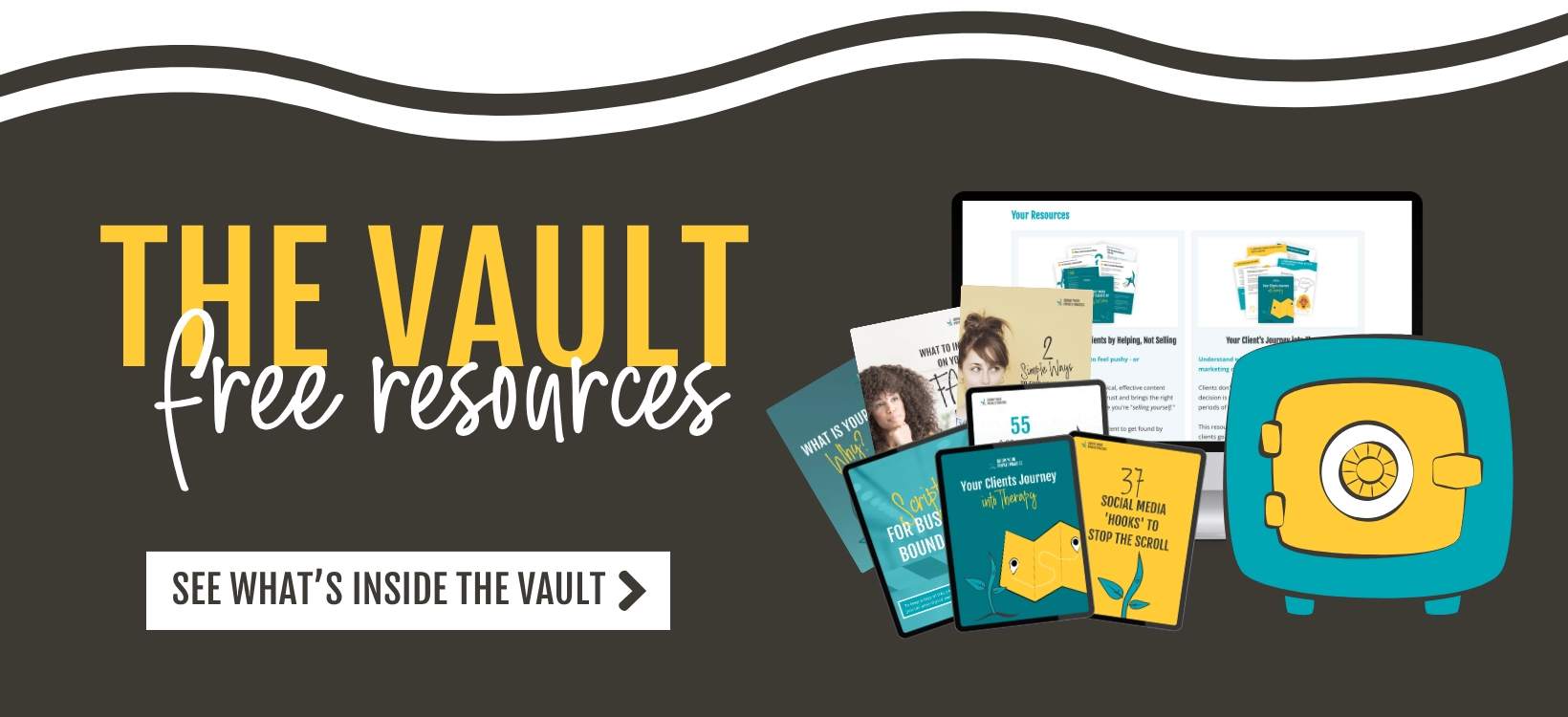
You will find it inside The Vault, my free resource library for counsellors and therapists in private practice. When you sign up, you will get access to this tracker along with a collection of practical resources designed to help you get found by the right clients.

In conclusion
Blogging is often talked about as if the hard part is writing.
But once you’ve written consistently for a while, the real shift happens when you start treating your content as something valuable. Not just individual posts, but a growing body of work.
A simple organisation system doesn’t just make you more efficient. It changes how you see what you’ve created.
Instead of a pile of disconnected posts, you begin to see patterns. Themes. Gaps. Strengths. Opportunities.
You start to notice what you return to again and again.
What clients ask about most often.
Where you have depth.
Where you might want to build more.
And that’s when your blog stops being something you occasionally add to, and starts becoming a genuine asset in your private practice.
You don’t need a complicated system.
You don’t need colour coding or perfection.
You just need one place where your content lives.
One simple catalogue.
So that the next time someone emails you with a question, or you’re wondering what to post this week, you can open your tracker and know exactly what you have.
Libraries work much better when there’s a catalogue.
And future you will be very glad you created one.